iPad Pro First Impressions
This is not our complete review of iPad Pro. We’ll have a much more thorough write-up after more use and consideration of Apple’s newest device. I will say after having used iPad Pro for a few days now, the full review is going to be much more difficult and quite a bit different than I had anticipated. For this reason, I wanted to just give a little bit of space for my first impressions and surprises.
Surprise #1
It is bigger than I anticipated. I knew it was going to be big. I knew the dimensions. However, when I first saw it, it still threw me off.
Carrying it around is not as bad as it initially appears it is going to be. It is more akin to carrying around a sketchbook than anything else. But after using it for a few days and picking up my iPad Air 2 it makes the Air seem ridiculously small, something I had never thought previously.
I agree with what many others are saying in that it isn’t unmanageably heavy. It actually feels quite light for its size. It is thin and easy to hold and is not burdensome quickly. You will want to use it propped up next to something more than you have any other iPad (i.e. on your leg, in your lap, on a desk).
Surprise #2
Using iPad Pro feels a lot more like using a laptop than an iPad. I’m not joking. For me, this has been an absolute shock. When Eddy Cue and Tim Cook both stated that this could replace many people’s laptops they were serious. I’ll save the heavier details for the full review but this really caught me off guard.
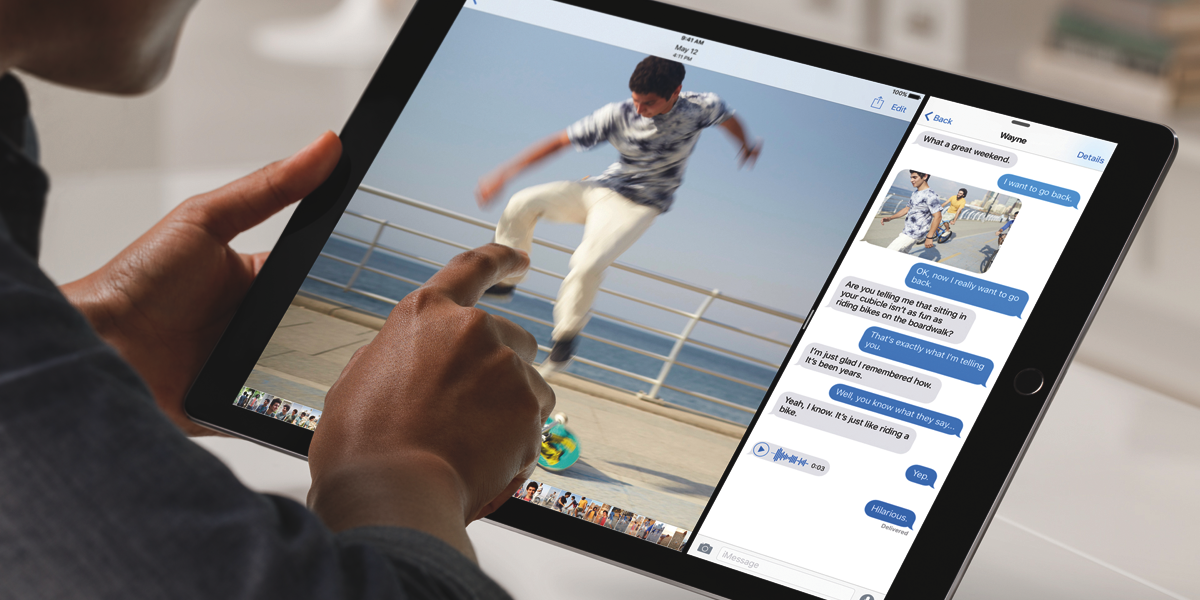
I did not expect the larger screen size to make such a large difference in app usability and multitasking. I have used multitasking a lot on the Air 2 and it is useful but it is really at home on the Pro.
I didn’t believe it before but I can see now how iPad Pro really could replace a laptop for a large amount of people. Of course this largely depends on whether the capabilities of iOS will meet your demands but even if it does not currently it isn’t hard to imagine a near future where it might.
Surprise #3
The Smart Keyboard is better than advertised. One huge pain about this type of form factor is the ability to use the keyboard while sitting (laptop). This is one of our biggest complaints with Microsoft’s Surface. Surprisingly, the Smart Keyboard is very sturdy when you set it on your lap, amazingly so. I actually didn’t even order one for myself because of this reason. I assumed it would be useless. In reality it is truly great. Almost everything about it is great. The keys feel real and they click well. My only small annoyances with it are that when folded it is thicker on one end than the other (when not in use) which is really nit-picky, I know, and the other is that it only comes in dark grey which looks navy to me and I’m not a huge fan of it.
Surprise #4
This shouldn’t be a surprise but I promise that you too will be surprised the first time you use Apple Pencil. We have been conditioned to using horrible styli that basically don’t work. Apple Pencil is accurate and really remarkable in action. In a word, astounding.
I’m no artist but I’ve used and been frustrated by many Wacom (and lesser) trackpads and pens. If you are familiar with this world or even if you aren’t, Apple Pencil is unbelievable. If this means anything to you, it is well worth the price of admission.
Summary
I’m still learning the ins and outs of iPad Pro and it is quite different than anticipated. Having purchased the 12” MacBook last year it surprises me that iPad Pro is competing to be used for some of the same activities. The Pro is much more like a laptop than I expected.
Apple Pencil is better than magic and makes for a useful stylus for the first time on a tablet. For me personally, the overlap between iPad Pro and MacBook is almost enough to make me want to stick with the iPad Air 2 rather than switching to the Pro. However, Apple Pencil is winning me over. It makes iPad Pro a different class of product and a very powerful creative and creation tool.
Related Tags: Apple